
Dynafield
Dynafield – Custom Field Dynamic Tags for Elementor
Shows ACF, Secure Custom Fields, Pods, Meta Box and post meta values in free Elementor through dynamic tags for text, links, images, galleries, numbers, colours and dates.
What it does
Dynafield adds a Custom Fields group to the dynamic tags menu of free Elementor, so a Heading, Image, Button, Counter or any other widget setting that takes dynamic text, links, images, galleries, numbers or colours can show a value from ACF, Secure Custom Fields, Pods, Meta Box, post meta, term meta, user meta or a site option. Elementor Pro is not needed.
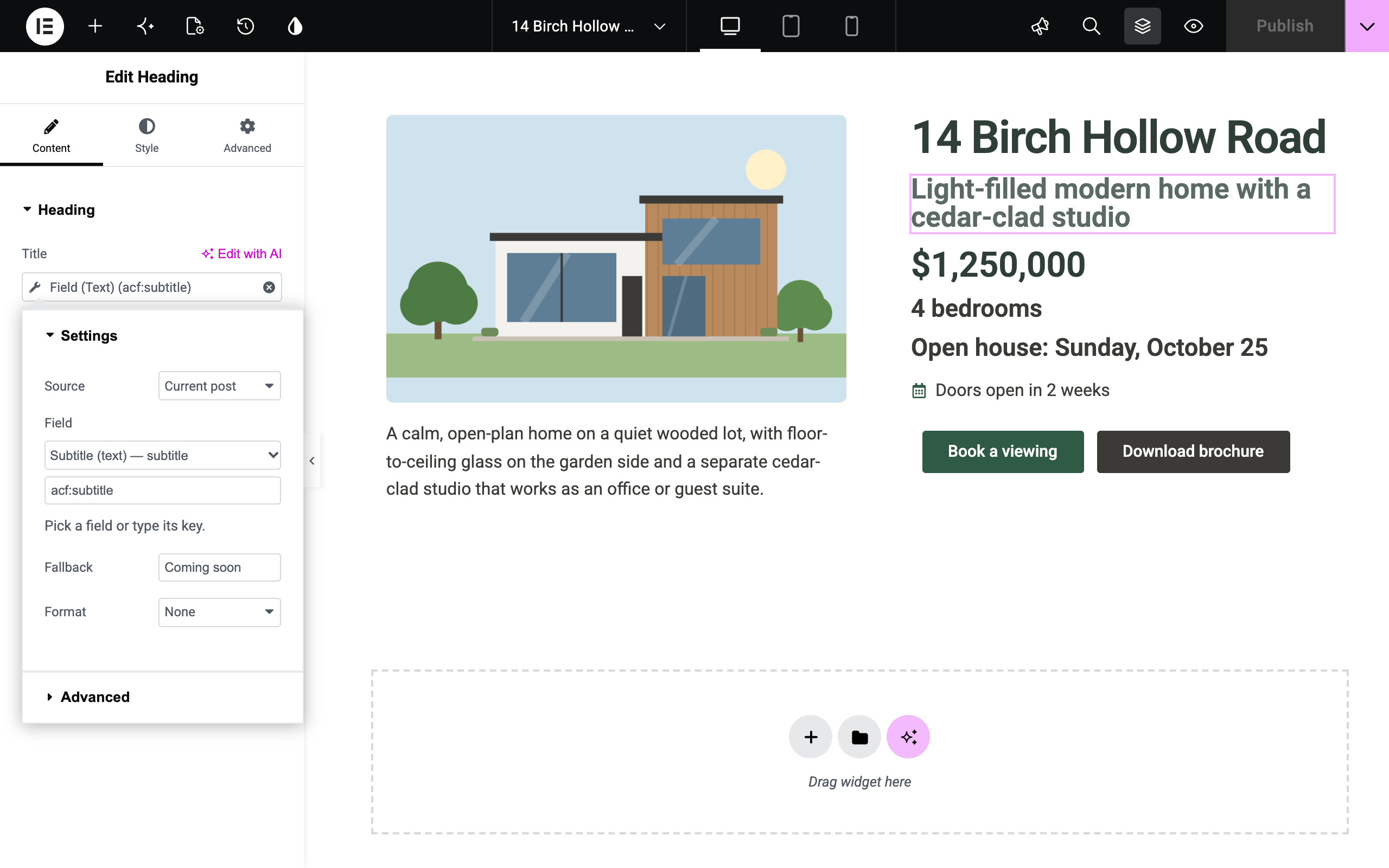
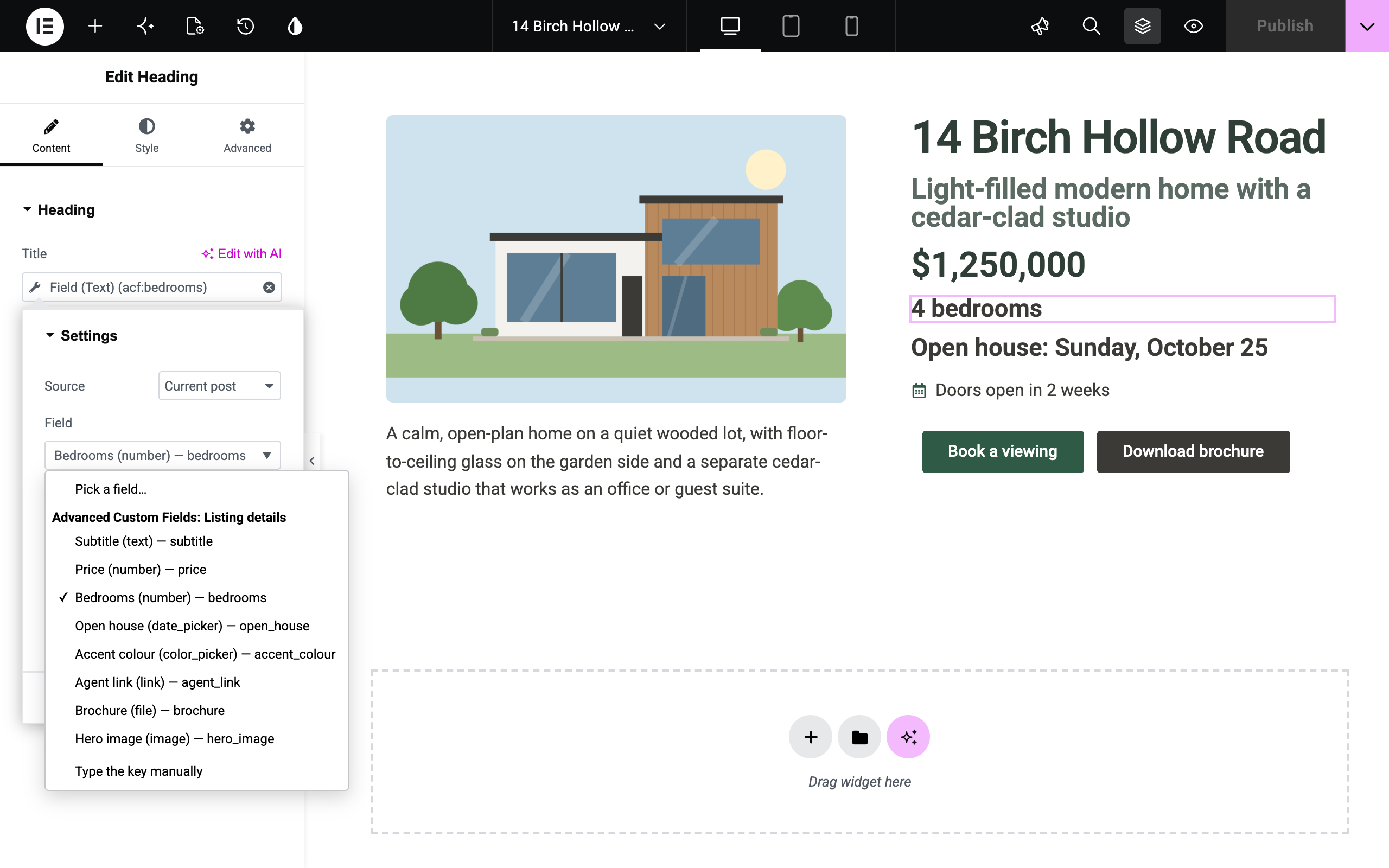
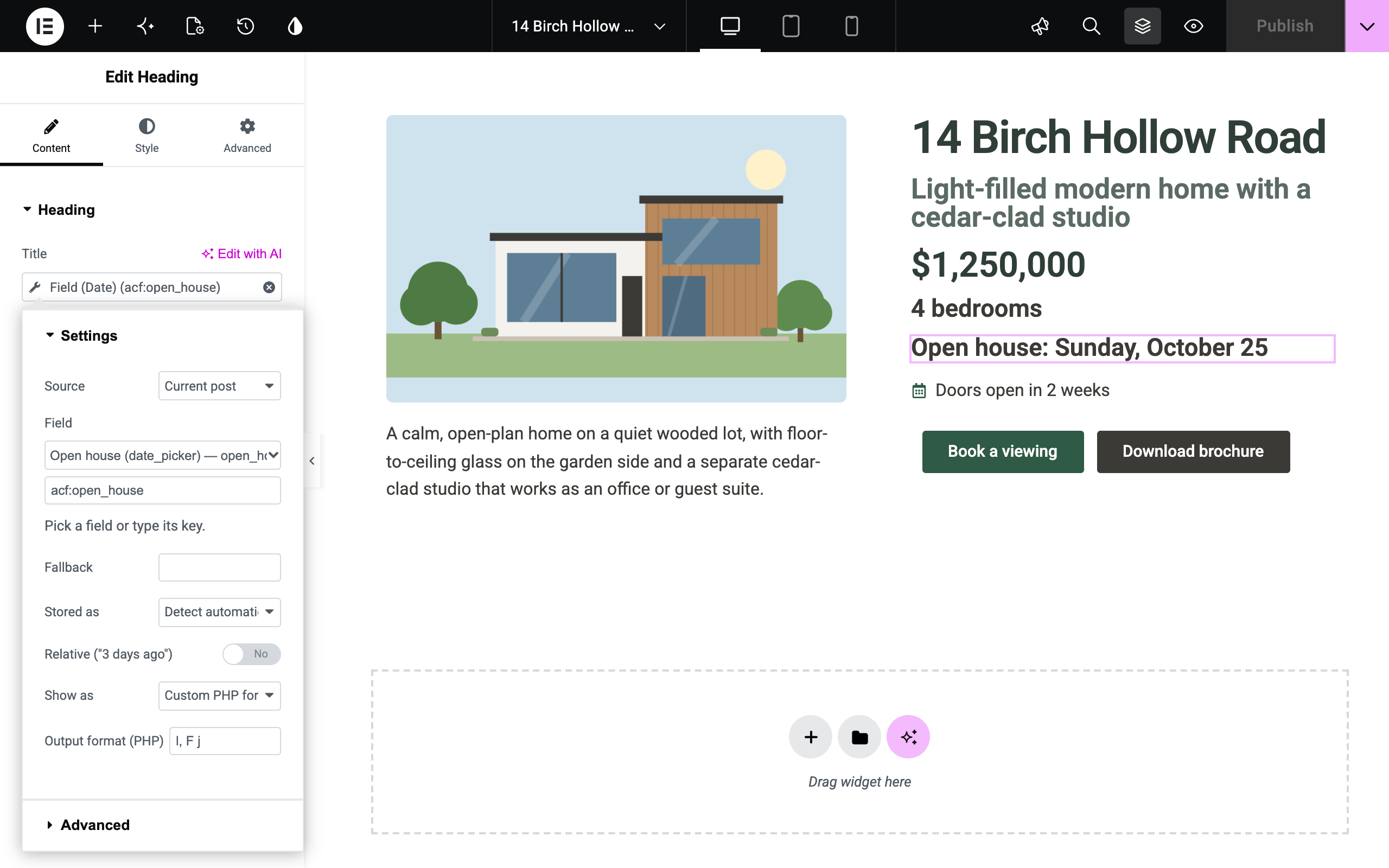
Each tag has a field picker that lists the custom fields of the source you choose, and most tags have formatting options and a fallback for when the field is empty. Output is escaped for its context, and the plugin makes no requests to other servers.
Features
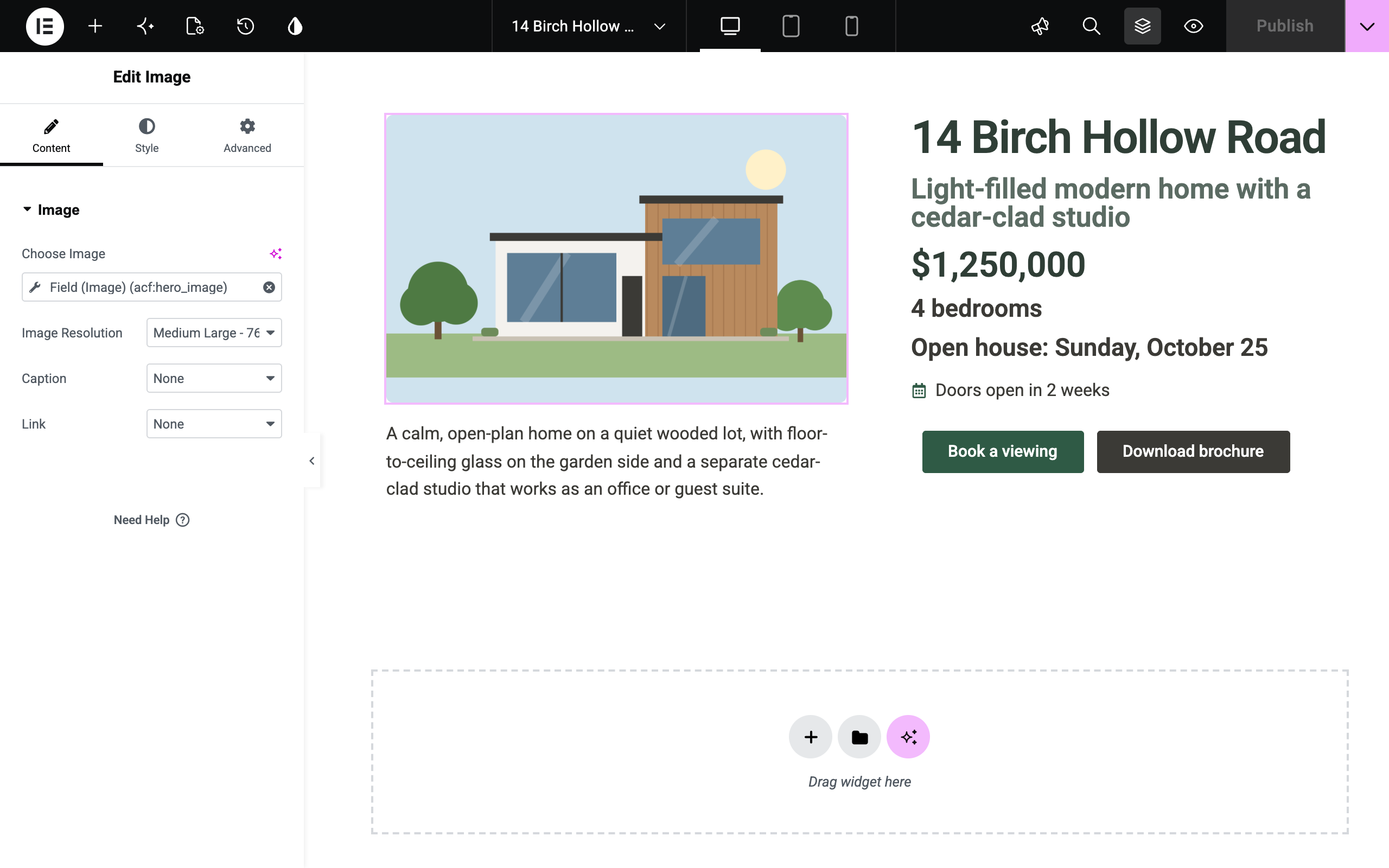
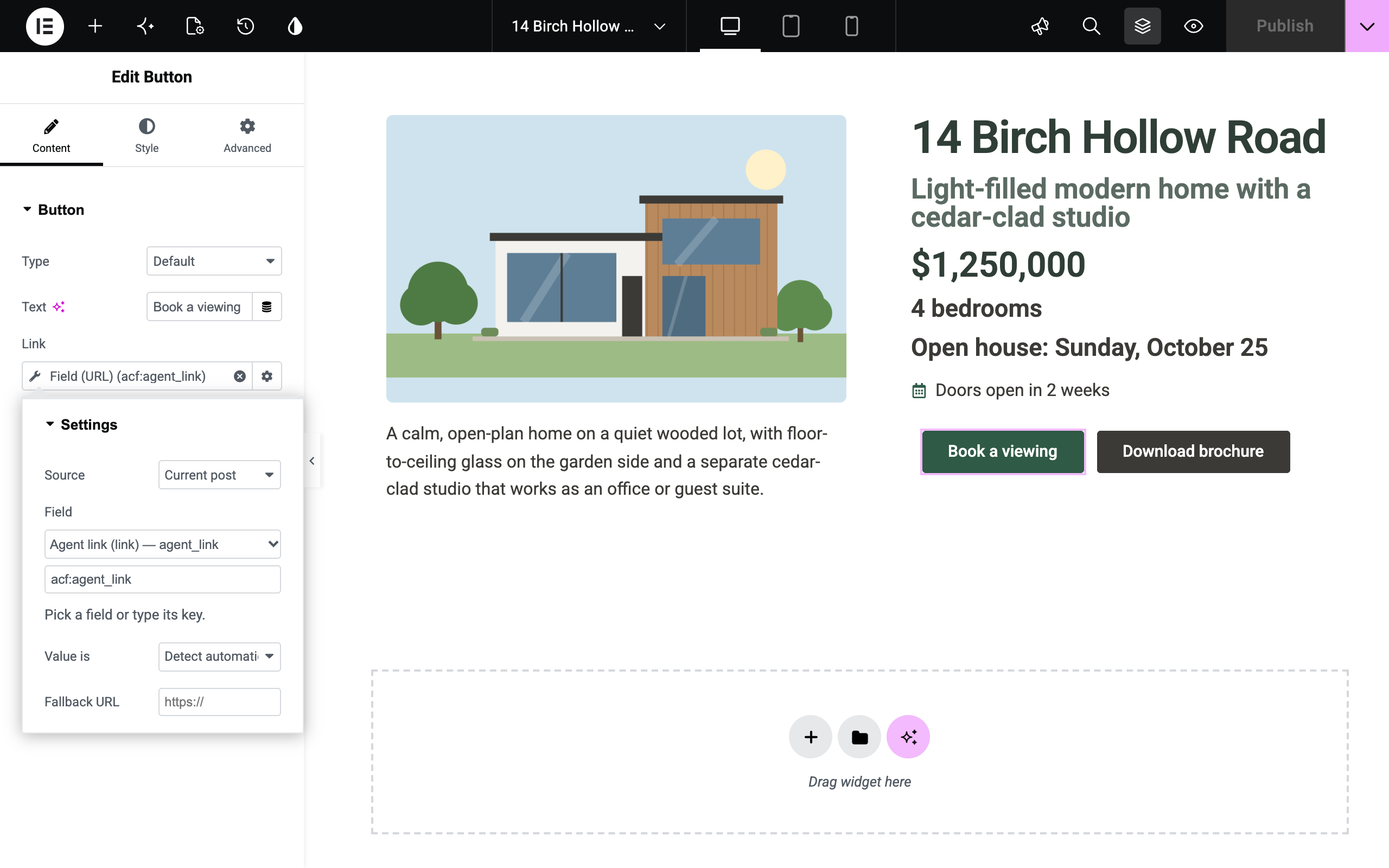
- Seven tags. Field (Text), Field (URL), Field (Image), Field (Gallery), Field (Number), Field (Colour) and Field (Date), in their own Custom Fields group.
- Seven places to read from. Current post, Post author, Current term, Current user, Options page, Site option and Specific post ID.
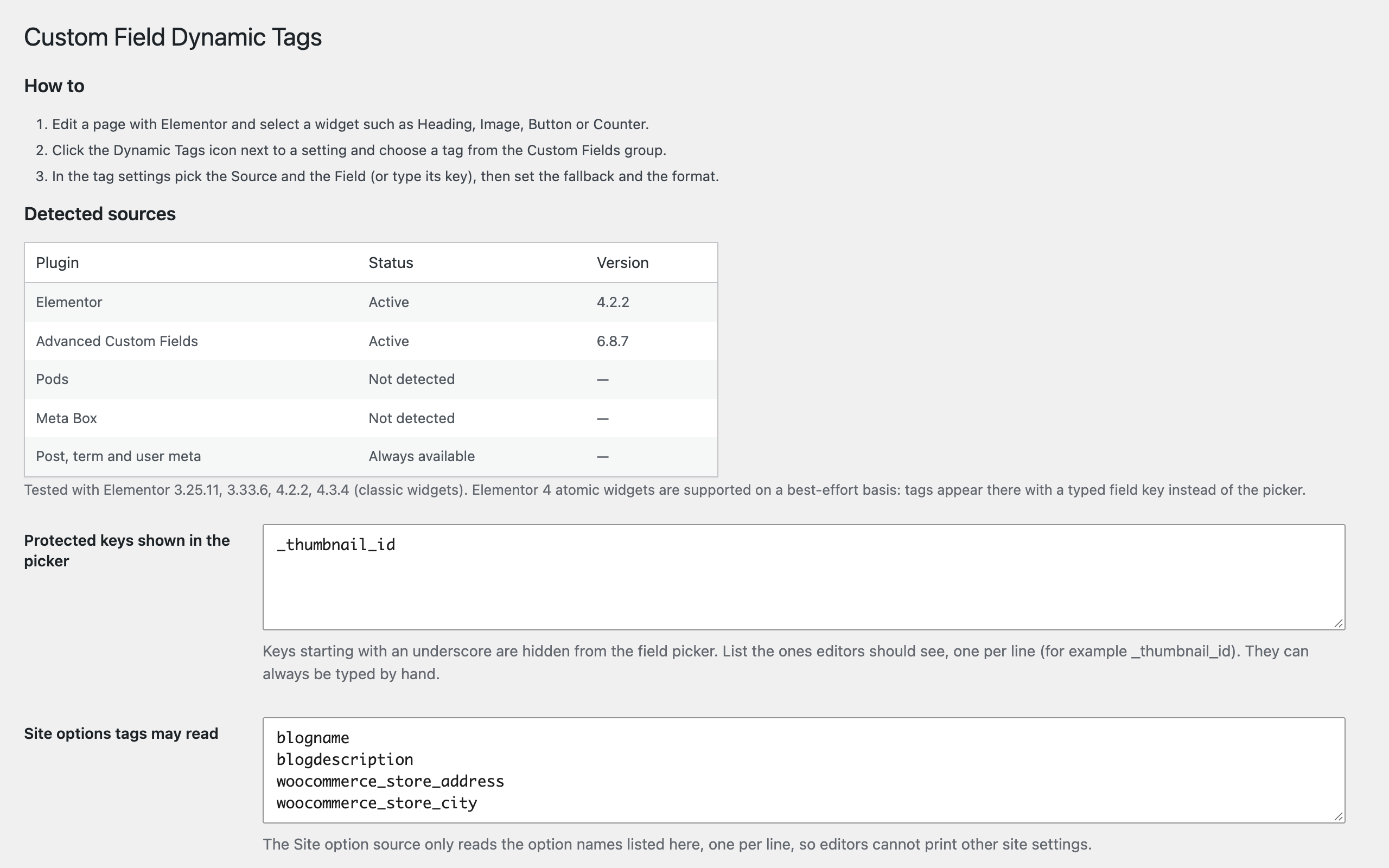
- Field picker. Lists ACF/SCF field groups, Pods fields, Meta Box fields and the custom field keys used by the post type you are editing, labelled with the field type. You can also type a key by hand.
- Formatting and fallbacks. Date and number formats, letter case, a separator for fields with several values, and Before and After text. Empty fields show fallback text, a fallback URL, image or colour; the Gallery tag has no fallback.
- Links, images and dates. Page links and post objects give their permalink, email addresses a mailto: link and phone numbers a tel: link. Images can be stored as an ID, an array or a media library URL, and dates as ACF date picker values, Unix timestamps or ISO 8601, shown in the site format, a custom format or as relative time.
- Protected data. Keys whose names contain password, token or secret, and keys such as wp_capabilities and session_tokens, are never read by any tag, even when typed by hand. The Site option source reads only option names an administrator lists, by default the site title and tagline.
Screenshots
Support & source
Bug reports and questions: the WordPress.org support forum for the plugin, or emtiazzahid@gmail.com. The plugin is GPL-2.0-or-later; the full, unminified source ships inside the plugin package.